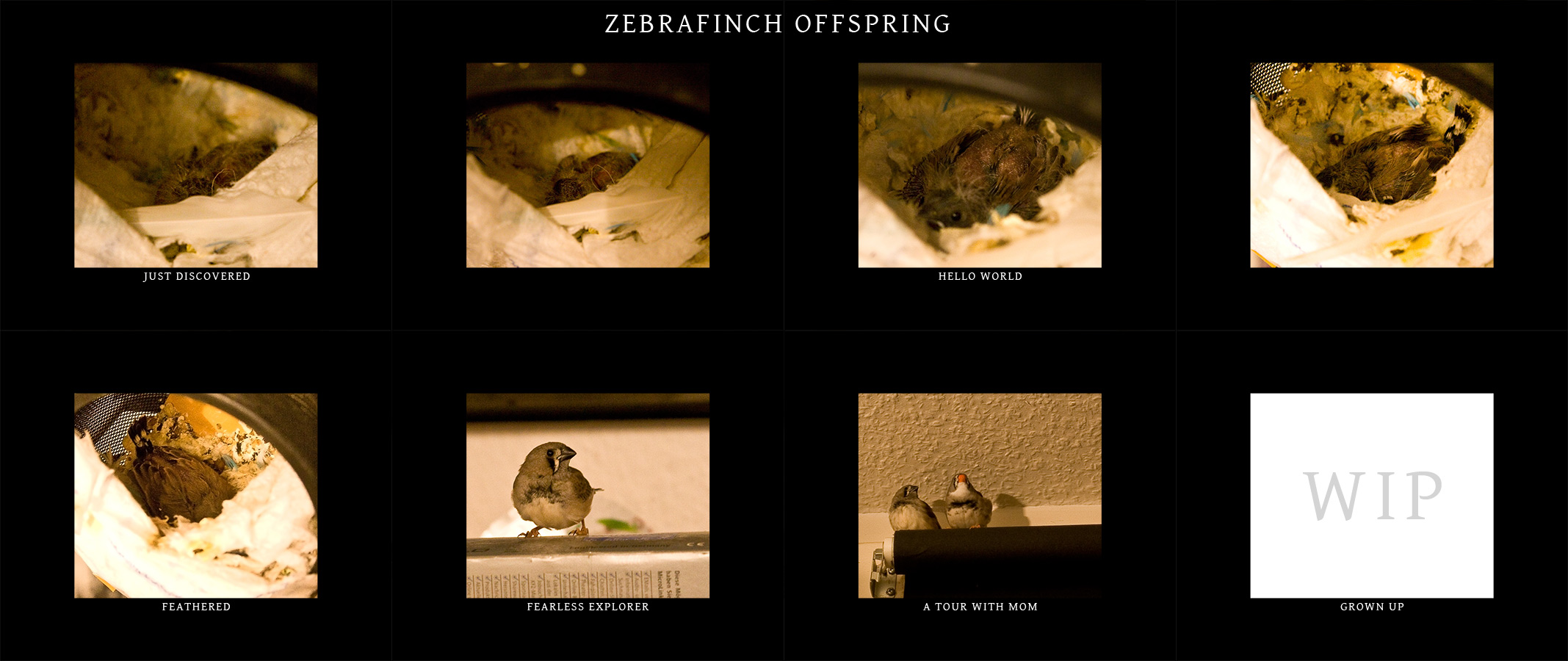
Archive for the 'General' Category

Schmiern & Kopiern Event

Saturday, May 9th, 2009
schmiern und kopiern

This is an event taking place in germany so i will continue with some official things describing the concept of the event.

Dich juckt es in den Fingern, du willst dich endlich mal wieder kreativ beweisen?
Du weißt, dass Photoshop kein Laden ist und Illustrator kein todbringender Videospiel-Endgegner?
Dann bist du genau richtig bei SCHMIERN & KOPIERN – dem gnadenlosen MIXED PHOTOSHOP UND ILLUSTRATOR BATTLE!

Am 20.MAI kannst du in Schwäbisch Hall gegen andere schmierwütige Mulitmediakünstler und Grafiktitanen aus ganz
Deutschland antreten bis die Pixel fliegen. Ein spannender Wettbewerb bei dem sich derjenige behauptet, der die
genialsten Einfälle mit der besten Beherrschung der Grafiksoftware vereint.Was auf und vor den Bildschirmen
alles passiert wird live auf mehrere Leinwände übertragen – begleitet von den scharfzüngigen
Kommentaren der Moderatorin ANNI MATION und Host SHAWN STEIN.

FREIER EINTRITT, SNACKS UND GETRÄNKE und dazu natürlich allerhand digitale Schmierereien stillen die Sensationslust
eines jeden medieninteressierten Besuchers. MITMACHEN oder ZUSCHAUEN oder beides ist strengstens erlaubt.
Anmeldungen zum Wettkampf werden bis zum 11.5. an der Fachhochschule für Gestaltung entgegen genommen.

SCHMIERN UND KOPIERN

Regards

signed

Tigaer-Design Custom Panel

Tuesday, April 21st, 2009

tigaer-design.com newsHere we have a new feature that comes with Photoshop CS4. Via an external program called Adobe Configurator you can create own palettes/panels for use within Photoshop. That’s what i did a while ago. My panel basically consists of menu commands that i frequently use and don’t want to move through half of Photoshop to get to them. It took a bit to get used to it but after a while i found it very handy and use it quite often now. So this panel is the perfect setup for my way to work. If you’re interested in checking it out… go ahead and play with it! =)
Version 1.2 (install notes are in the zip)

*This panel only works for Photoshop CS4!

Regards

signed

Dirty Pics!

Thursday, April 16th, 2009

tigaer-design.com newsWhile checking through some of my paintings i realize how much better my new screen is. I see so much more things and details! Therefore i updated my ‘legacy‘ painting and its contents on my site. Everything else will follow. And just in case you’re wondering what screen i’m using… it’s an HP LP2475w. My recommendation for that one.

Regards

signed

Another Cool Interview!

Tuesday, April 7th, 2009

tigaer-design.com newsA colleague from deviantart kindly requested an interview with my person for his online art forum. So we met up in msn yesterday and made the interview. It was fun! Feel free to head over there for an interesting read.

The Interview

Regards

signed

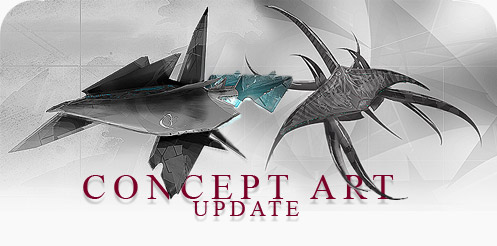
Concept Art Update #2

Thursday, March 5th, 2009

concept art

It’s been a while with concept art gallery additions. The time was not wasted! If you follow my news then you already saw 2 creation progress videos of two ship designs i did. There is more to come. But for now i updated my concept art gallery with 13 designs. Among them the recent vidcap designs and the one’s i still have to upload. Hope you enjoy what you see and get some inspiration there!

Regards

signed

Concept Art Short Movies

Tuesday, February 24th, 2009

tigaer-design.com newsSince, these days, i’m not a too inspired artist, i tried something i wanted to do for a while now. Recording the progress of my painting work on the screen. Now i know that live recording, while working in a memory hungry program like photoshop, can significantly slow down the whole machine. So ‘working’ becomes a pain in the a**. For now i only tried recording some of my concept work. Right now that means rough space ship designs like the ones you can see in the concept art gallery. Basically i’m just doing this to find out how it works. I also find it interesting to see how things take shape within the paintings. It’s plain fun. I’m currently thinking about getting me a new work machine here. This should make it much easier to record things. So in the future there may also be a progress video of one of my larger paintings. There are a few ideas in my head … we’ll see… =)

Even though i know that my concept art work is surely not the top notch stuff, i think it’s surely interesting to take a peek into them. Maybe there will be other artists following. Concept art stuff is fast to do and not too heavy when it comes to memory usage. So you can easily keep a recording running in the background. It’s fun. :)

The concept shorts will not be longer than 2mins and released here in 720p HD (quicktime), as well as youtube in reduced quality.

Regards

signed

Panorama Factory Austria

Saturday, February 21st, 2009

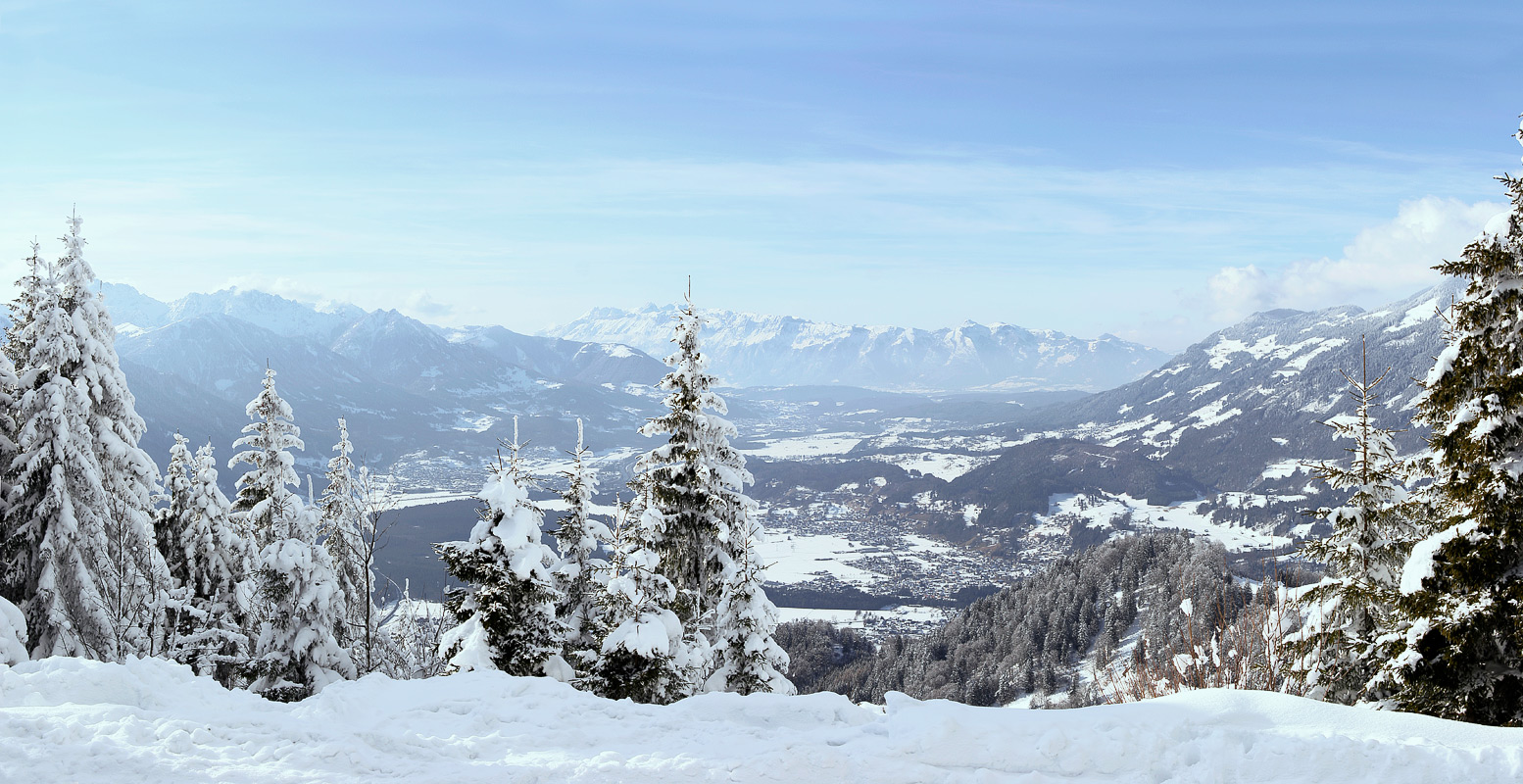
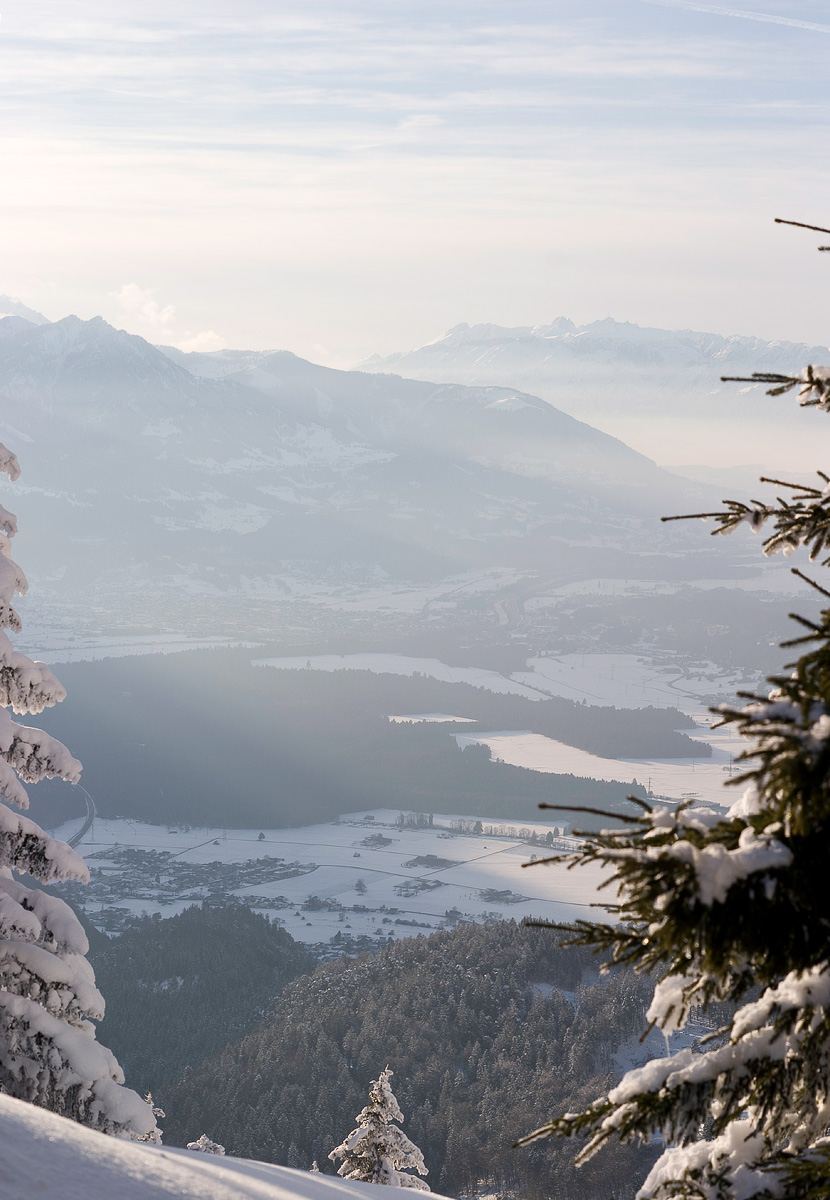
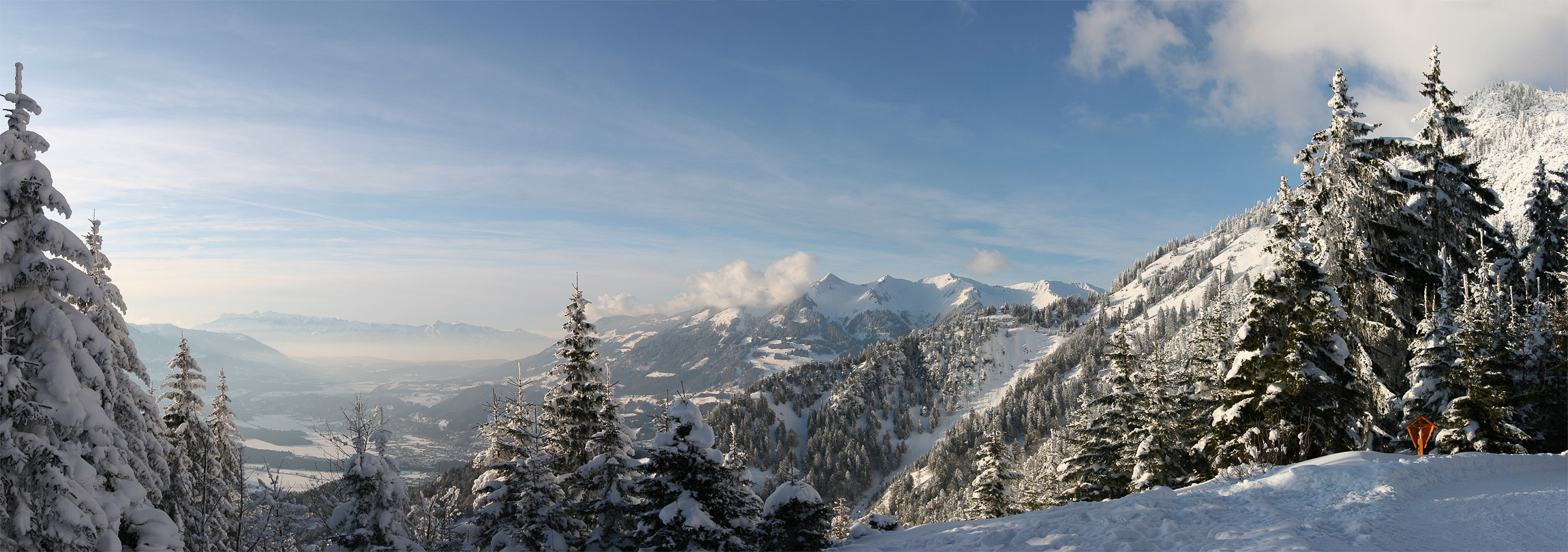
tigaer-design.com newsLast weekend i was in Austria, visiting a good friend. His family has a house on a mountain there and we took the chance to have some nice time there. I can say that i never saw as much snow as i did this year. The sight from up there was great. And i really really appreciate a nice landscape vista. The weather wasn’t perfect, except for one day. All of the panoramas were taken that one day. I took the chance and gathered some nice material for my painting archive. It was a lot of fun up there and i hope i’ll get the chance to get back there sooner than later. Thanks to my buddy for the invitation.

panorama

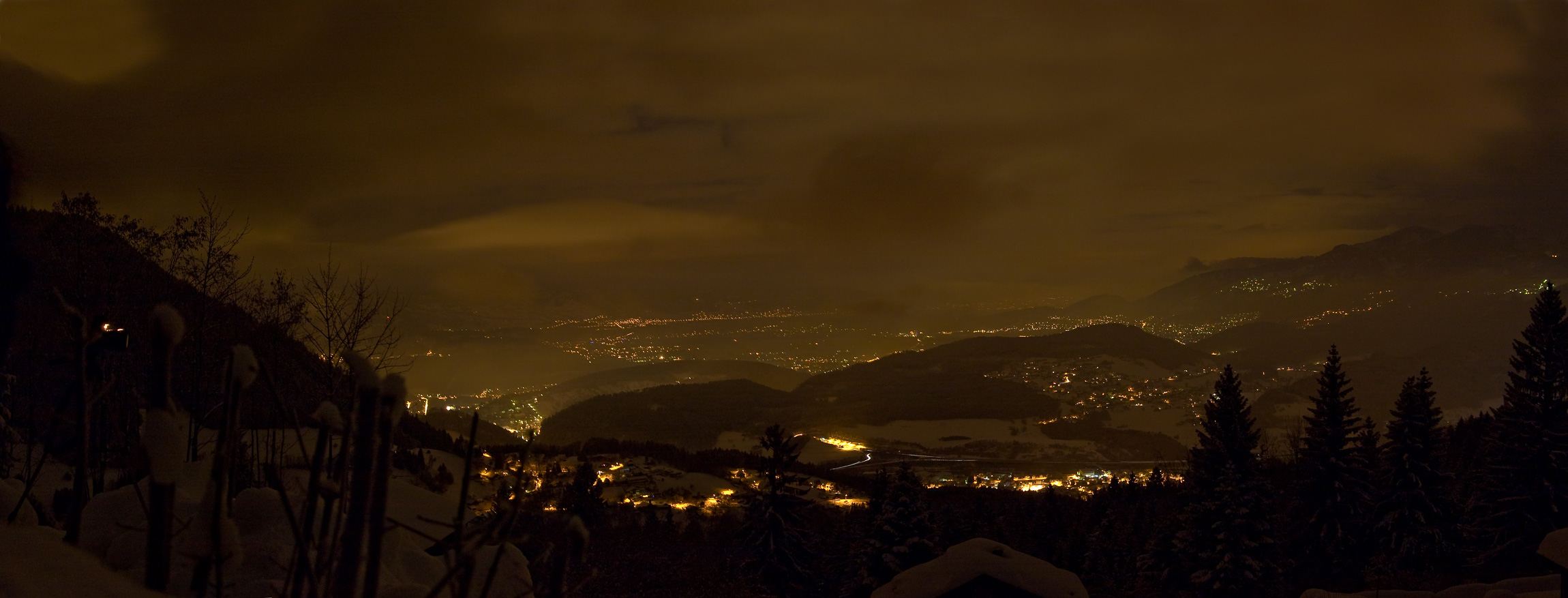
Bazora Nights – This is the sight we had a few meters further from our house. One night we risked a look and had this amazing vista in front of us. It was 2:00am and we decided to take this chance. We needed an hour before we got back to the house. It was worth it. Even if it was damn cold that night! This panorama consists of 10 separate shots. All taken with bulb settings and roughly 45 secs of exposure. Photoshop cs4 did a remarkable job stitching these together.

panorama

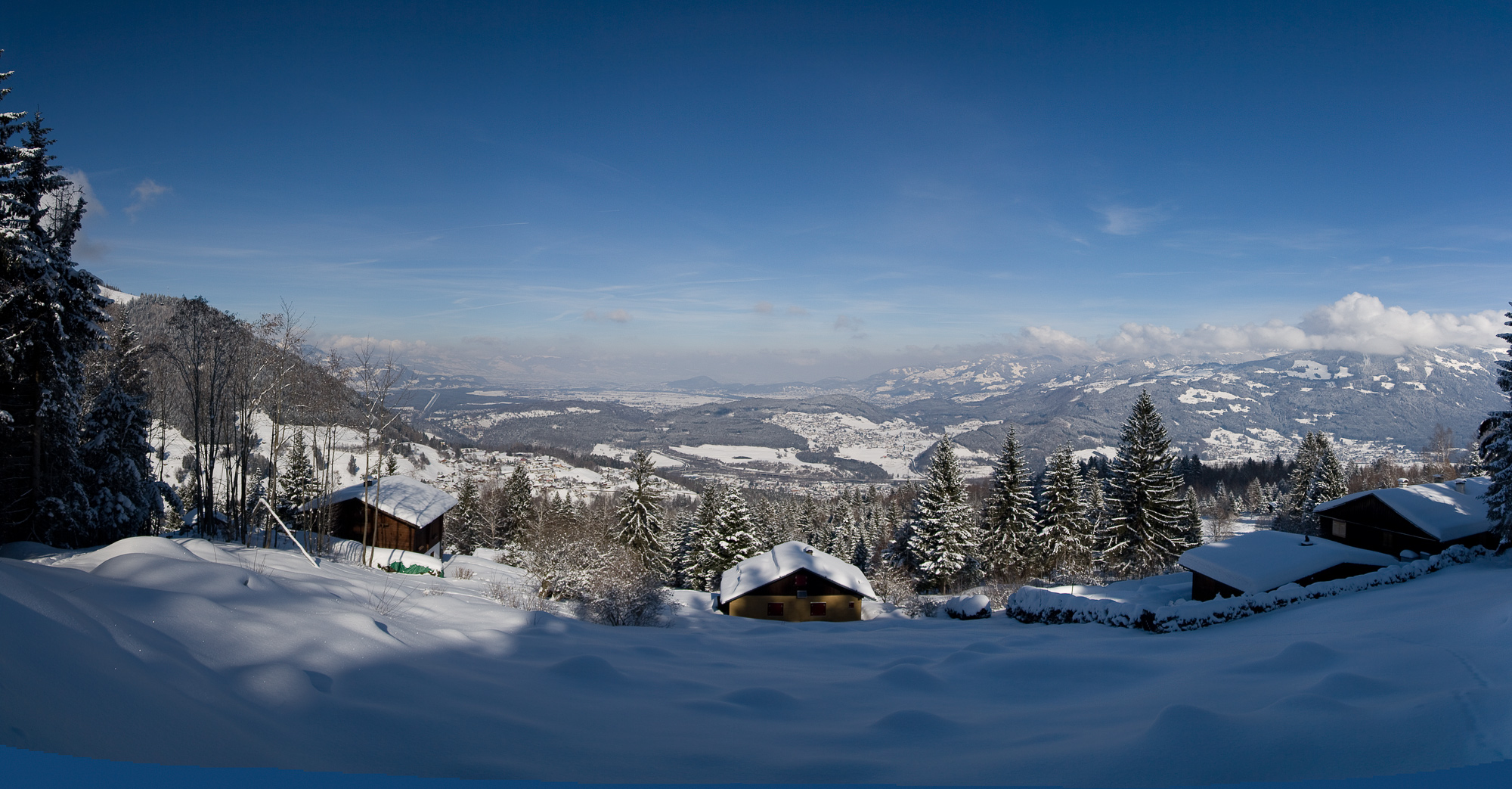
Bazora Days – Here we basically have the daylight sight of the night shot.

panorama

Muttersberg One – This was the perfect weather. The only day we had perfect conditions, we went to the ‘Muttersberg’. Surely not the highest mountain on the block, but nontheless a truly amazing sight. 15+ separate shots.

panorama

Muttersberg Two – The sun was already going down when i did this one. I really dig the atmospherics that are going on there. A vertical panorama with 5+ separate shots.

panorama

Muttersberg Three – Same position as the first two Muttersberg panoramas. Slightly different angle. I tried to capture as much of the sight as possible.

Regards

signed

Welcome To The Crew!!!

Tuesday, February 3rd, 2009

tigaer-design.com newsThis time i’m happy to announce a new addition to the tigaer-design.com crew! It happened pretty unexpected and i hope it’ll result in some fun for everyone. =) We are all still trying to warm up on each other. Once that is done… all will be fine!

Check Here here.

Regards

signed

An Interview With Me!

Saturday, January 31st, 2009

tigaer-design.com newsDerek from Jitzul.com invited me to an interview for his site. Much like i, with my ‘Meet The Inspiration’ series, he’s interviewing people he’s interested in. So i joined his interview archive and talked about various things. It’s a fun read! Feel free to check it out here.

Regards

signed

Vue 7 ‘Pioneer’ Testrenders

Wednesday, January 28th, 2009

tigaer-design.com newsHi there, a week ago i downloaded me the free test version of Vue 7. ‘Pioneer’ allows you to get a sneak peak into the power of Vue 7. I know Vue since its early days and followed it eversince. Its gone down a long road and really became a name in the industry today.

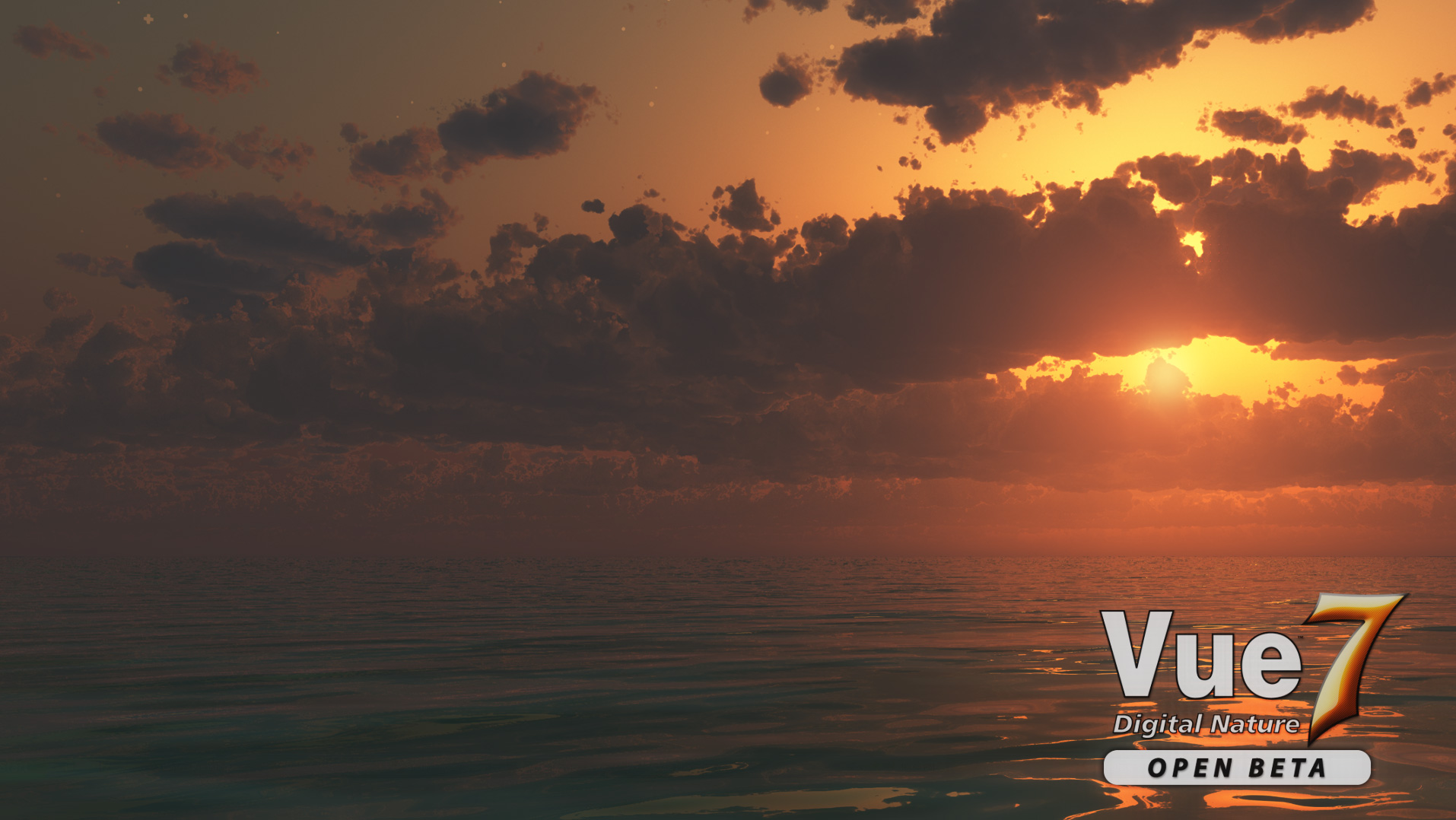
So i took me some time, to check out the speed a bit, and did some test renders. No exciting stuff. Just basics. Clouds for example were a heartbreaker in the Vue 6 version. In Vue 7 they managed to create quite a speed boost when it comes to volumetric clouds.

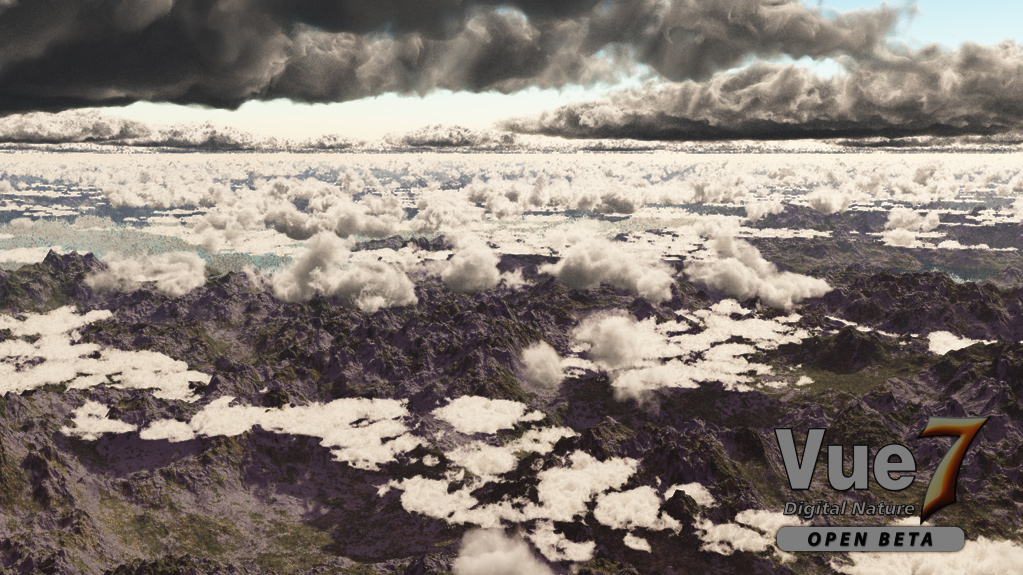
vue 7 test 1

Render One – This was the first test render i did. Quality settings in Vue Pioneer are very limited. So this render is done in Ambient Occlusion and Superior Quality. Rendered on a 4gig ram, AMD 5200+ – definitely no speed machine. Rendertime was under 2hrs for 1920×1080.

vue 7 test 2

Render Two – Another test with clouds. Same setup like render one except the res was 1024×575. What i noticed was that vue’s render engine now seems to pre render the terrain before it goes into the details. Rendertime here was also below 2hrs.

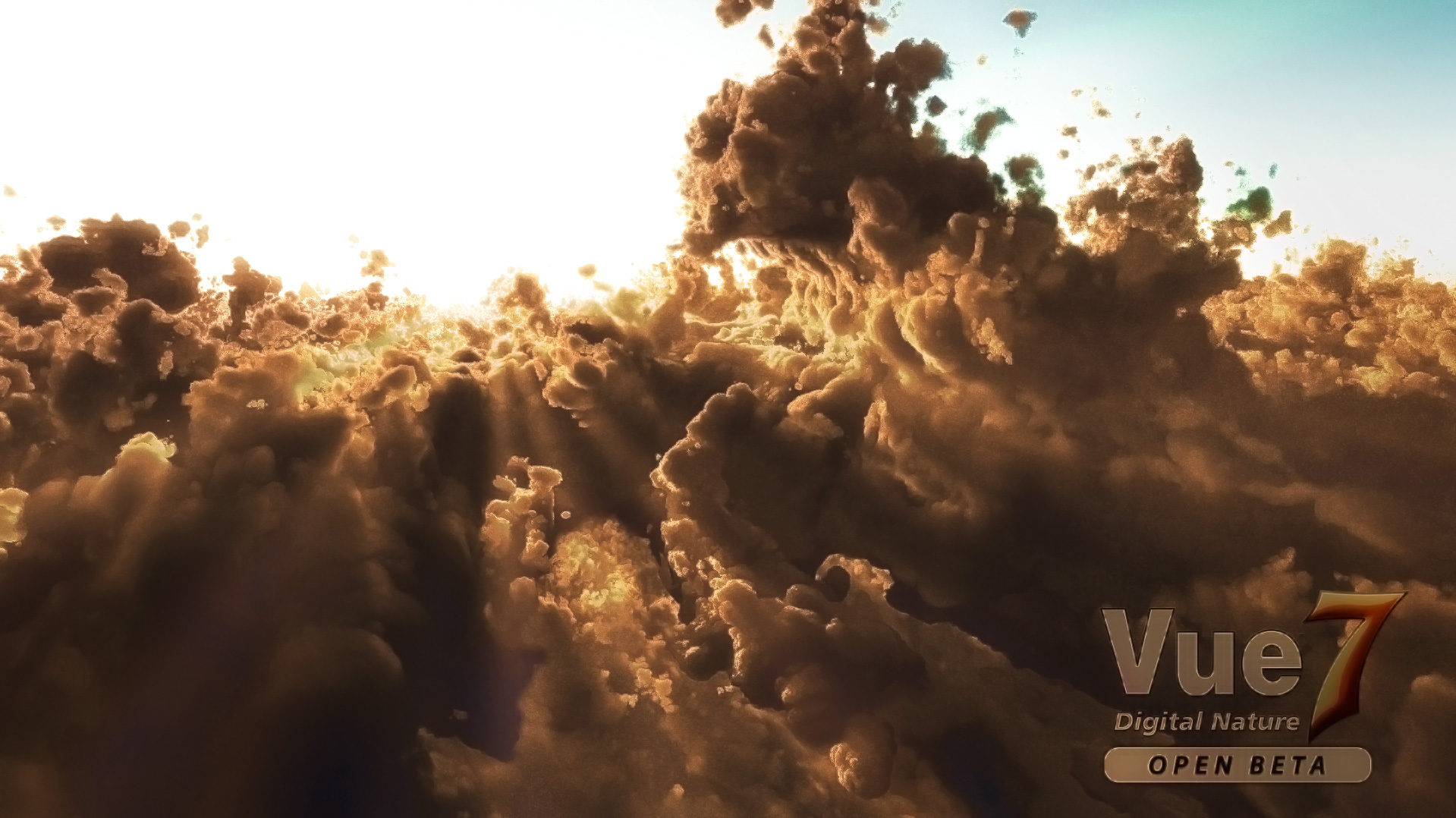
vue 7 test 3

Render Three – This was a kind of thing i always wanted to create. This pic is also a bit reworked via Photoshop. I wanted to see what i can do with a minimum of effort on postwork. I cleaned up some edges and adjusted the colors a bit. Also added some slight sun beams. I rendered this on my laptop which is a bit more powerful than my work horse machine here. So this was rendered on 4gig ram and an Intel 9300 (5gh). Rendertime here was below 3hrs for 1920×1200 in superior quality.

Resume: Ultimately i must say, in detail, the clouds look a bit more like foam… than actual clouds. On the other hand that is probably only a thing that people recognize that really know how clouds should look like. On alien worlds clouds could look different too. So there are enough working excuses for us artists. Hehe. The clouds, nonetheless, look quite good and surely deliver a nice base for digital matte painters. I’m pretty sure that Vue will continue to make its way.

Website for Vue 7 Pioneer: http://www.e-onsoftware.com/products/vue/vue_7_pioneer/

Regards

signed